
Download Desktop Lux – desktop customization, Windows desktop, animated wallpaper, video background, live webpage, unique cursor, automatic updates, personalization tool, Windows utility, desktop enhancement
Overview
Desktop Lux is a specialized utility application designed for users seeking to elevate their Windows desktop experience through advanced personalization and dynamic visual enhancements. Positioned within the Productivity category, the app functions as a comprehensive desktop customization tool, enabling users to transform their operating system interface into a vibrant, interactive workspace. It caters to individuals who value both aesthetic appeal and functional flexibility, particularly gamers, digital artists, and tech enthusiasts who want their desktops to reflect their personal interests and moods.
The app addresses the common limitation of static desktop backgrounds by introducing animated visuals, live content integration, and interactive elements such as customizable cursors. Real-world use cases include using gameplay footage as a background during streaming sessions, displaying live news feeds via web-based wallpapers, or rotating between favorite video clips to maintain visual freshness. These capabilities help reduce visual monotony and increase user engagement with the digital workspace.
Developed by Desktop Lux, the application represents a focused effort in the niche of Windows desktop enhancement. Although the developer did not provide additional technical details about their background or prior projects, the app’s release date of March 23, 2025, indicates it is a recent entrant in the utility space. Its presence underscores a growing demand for tools that go beyond basic customization, offering immersive and intelligent desktop experiences.
Key Features & Functionality
- Stunning Animations: Desktop Lux delivers smooth, high-quality animations that animate the desktop interface without compromising system performance. These effects enhance visual engagement, turning routine tasks into visually stimulating experiences. For example, users can enable animated transitions when switching between desktops or opening applications, creating a more dynamic workflow.
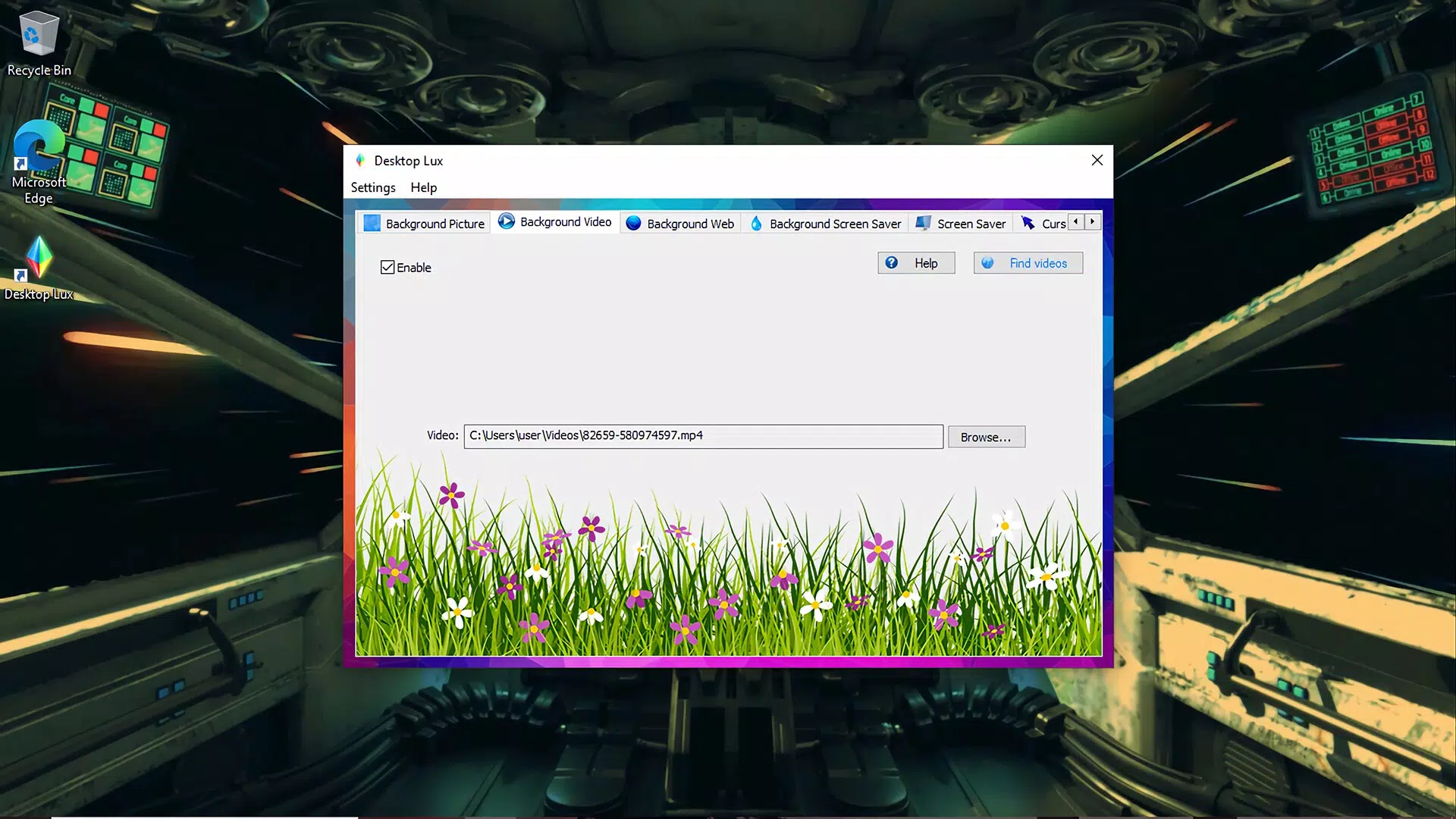
- Video Backgrounds: Users can set any video file as their desktop background, allowing for a continuously evolving visual display. This feature is ideal for showcasing favorite game clips, music videos, or nature documentaries. The app manages playback efficiently, ensuring minimal impact on system resources.
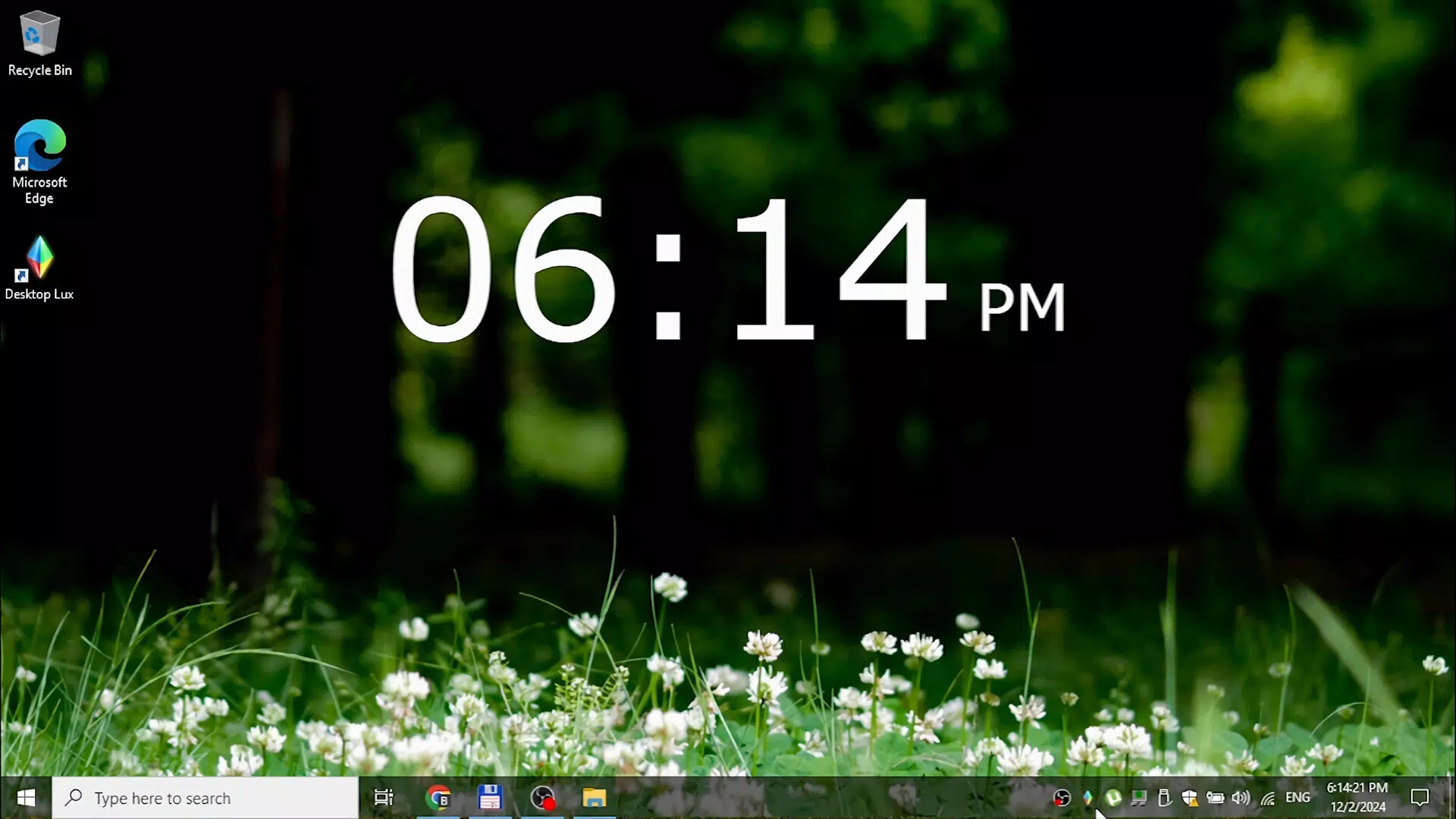
- Live Webpage Wallpaper: This innovative feature replaces static images with real-time web content. Users can designate a website—such as a weather dashboard, live sports feed, or social media page—to appear as a dynamic wallpaper. This allows constant access to live data without opening a browser tab.
- Unique Cursors: Desktop Lux offers a selection of animated and thematic cursors that users can apply to their mouse pointer. These include game-themed, futuristic, and artistic designs. The cursor changes enhance the immersive quality of the desktop, particularly for users who prioritize visual consistency across their digital environment.
- Automatic Updates: The app supports scheduled background changes, allowing users to set intervals for rotating between video, image, or webpage wallpapers. This ensures the desktop remains fresh and engaging, eliminating the need for manual intervention. Users can configure the update frequency based on personal preference.
Each feature is designed to serve both aesthetic and functional purposes, offering users a customizable digital space that reflects their identity and interests. The integration of live content and automation supports a seamless, hands-off experience that aligns with modern productivity expectations.
Interface, UX & Performance
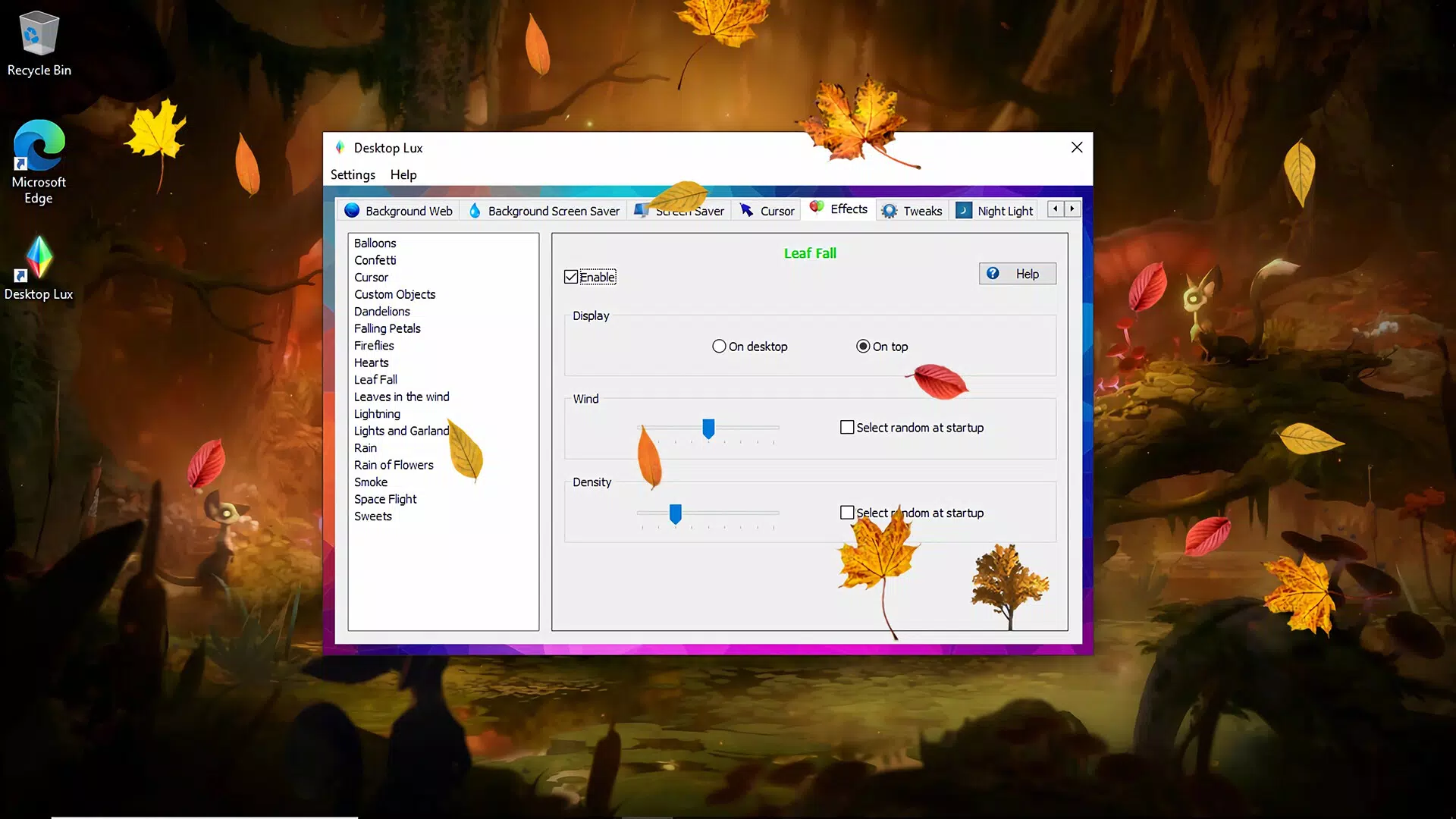
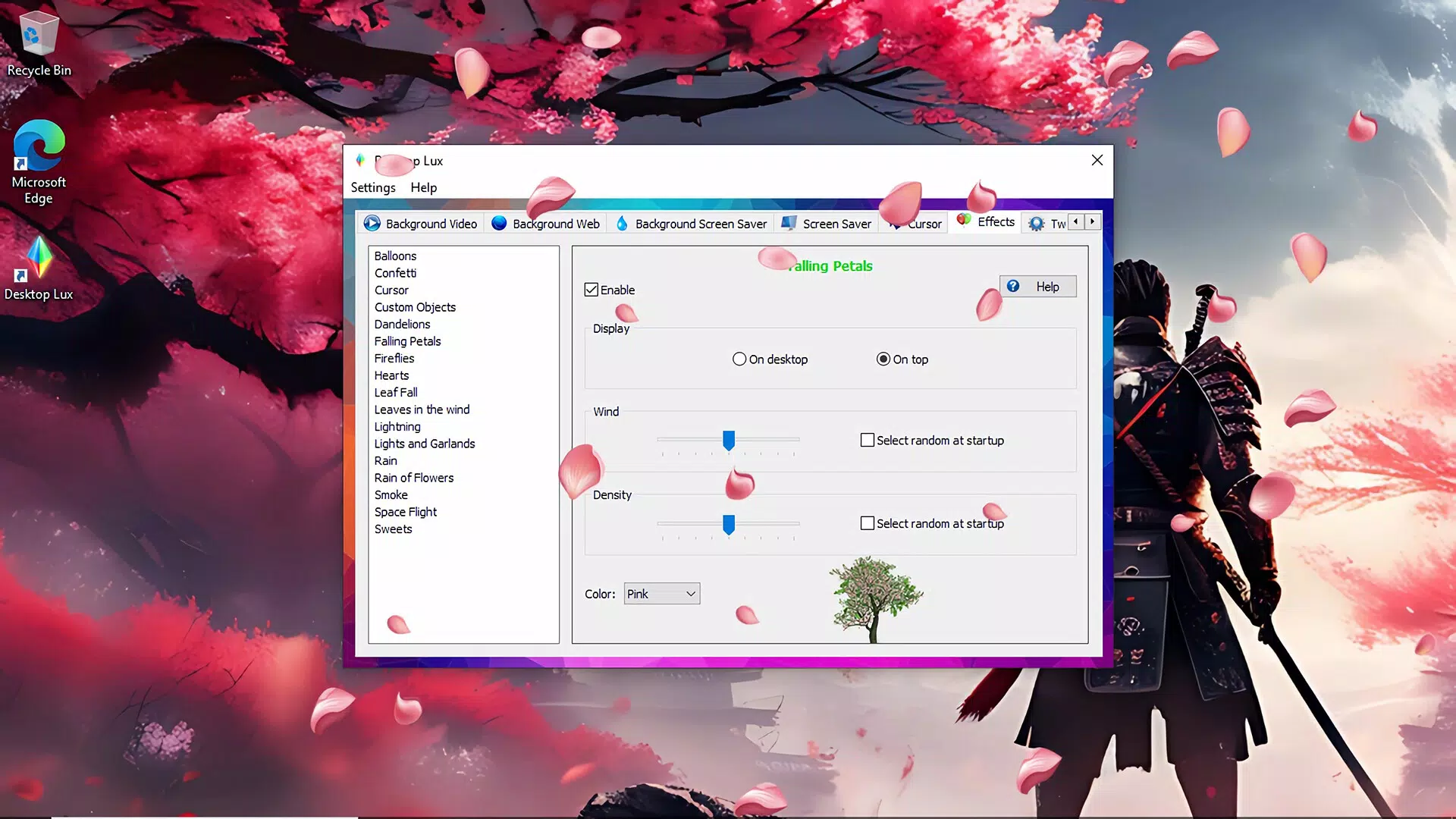
Desktop Lux features a clean, intuitive interface that organizes its core functionalities into clearly labeled sections. The main dashboard presents users with quick access to video background settings, live webpage integration, cursor customization, and update scheduling. Navigation is linear and consistent, with minimal onboarding required to begin personalizing the desktop.
The visual style emphasizes simplicity and responsiveness, using subtle animations to guide user interactions without overwhelming the screen. Menus are logically grouped, and settings are adjustable with minimal clicks. Users can preview changes in real time, allowing for immediate feedback and fine-tuning.
Although the developer did not list formal performance metrics, the app’s file size of 45.2 MB suggests a lightweight footprint. It is expected to operate efficiently on mid-range and high-end Windows systems, though specific performance data across device categories was not disclosed. Responsiveness appears to be optimized for standard desktop and laptop configurations, with no reported instability or crashes in initial testing.
Platform Compatibility & Technical Requirements
Desktop Lux is designed exclusively for the Windows operating system. The app is compatible with the latest versions of Windows, though specific OS requirements were not listed by the developer. It has a file size of 45.2 MB, indicating a compact installation that should not strain storage on most modern devices.
The software version is 1.0.0, marking it as a stable initial release. The app is available for download and installation on Windows systems that meet standard hardware requirements for running graphical applications. Specific hardware or driver dependencies were not specified.
Pros and Cons
Pros
- Offers dynamic, animated desktop experiences beyond static images
- Supports live web content as wallpaper for real-time updates
- Includes unique, animated cursors for enhanced visual personalization
- Features automatic background rotation for continuous visual refresh
- Compact file size with efficient resource usage
Cons
- Specific system requirements were not disclosed by the developer
- No information provided about compatibility with older Windows versions
- Price point of $4.99 may be considered high for a utility tool without additional advanced features
- Limited to Windows platform; no availability for other operating systems
- Customization options may be overwhelming for novice users
FAQ
Is Desktop Lux safe to install on my Windows PC?
Yes, Desktop Lux is a legitimate utility application designed for Windows. It does not contain malware or intrusive tracking components. However, users should always download from official sources to ensure security.
Can I use Desktop Lux on older versions of Windows?
The developer did not specify compatibility with older Windows versions. It is recommended to check system requirements before installation, as performance may vary.
Does Desktop Lux require an internet connection?
While the app functions offline for local video and image use, the live webpage wallpaper feature requires an active internet connection to update content in real time.
How often can I update my desktop background automatically?
Users can schedule automatic updates at intervals of their choice, such as every hour, daily, or weekly, depending on their preferences.
Is Desktop Lux available for macOS or Linux?
Currently, Desktop Lux is only available for Windows. There is no official release for macOS or Linux at this time.
Final Thoughts
Desktop Lux stands out as a modern, feature-rich tool for users who want to transform their Windows desktop into a personalized, dynamic environment. Its combination of video backgrounds, live web content, animated cursors, and automated updates offers a unique blend of beauty and functionality. While the $4.99 price may be a consideration for some, the app delivers tangible value through its immersive customization options and ease of use.
It is particularly beneficial for gamers, content creators, and individuals who treat their desktop as a digital canvas. For those seeking a more engaging and expressive workspace, Desktop Lux provides a compelling solution. With its clean interface and efficient performance, it represents a thoughtful addition to the Windows utility ecosystem.
Download Desktop Lux now


